Searching ProQuest: Subject Searching
Scope
A Subject Search in ProQuest is a search of a list of Subject Headings
It is useful when you are unsure of the exact terms that you want to search on.
Usage
Click on Subject Search in the right side of the
Basic Search
page.
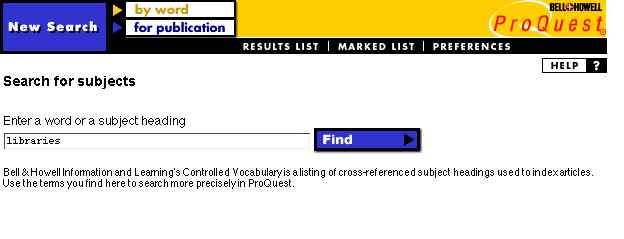
It will bring up the following screen.
Enter a word or subject heading in the
Entry Field.
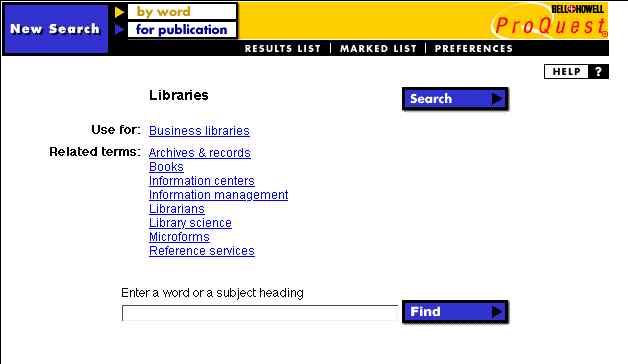
The search will bring up a screen similar to the following.
You can now click on one of the displayed terms or enter another search.
You can now
Click on the Search button to conduct a search on the word.
Click on one of the displayed terms to find other related terms
Enter another search term of Subject Heading
To:
LT65 INDEX
To:
GREENSHEET
To:
To:
TOP OF PAGE:
So many urls. So little time.
T
M
(c) 1996-2003
- optimized for Netscape & 800x600 display


 -
optimized for Netscape & 800x600
display
-
optimized for Netscape & 800x600
display