|
Web-based
MELVYL: Search Results Choices:
Configure Records Display or Refine Your
Search
|
Scope
- The results of your search are
not immediately displayed..
- You are, instead, given several
choices to make.
- Configure Display
choices
- Select how to display your
results:
- Short, Short with Tags,
Short with Absstracts (Approriate only to article
databases)
- Long, Long with Tags,
Long with Abstracts (Approriate only to article
databases)
- How many results to display
on each resulting Web page.
- Refine search choices
- Find More
- Find Fewer
- Modify Search
- Change Database
To Display the
Individual Records
- Click on the Display
button to the right of the search results.
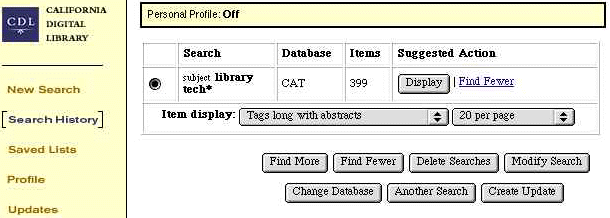
Display: Results
of a first Subject search

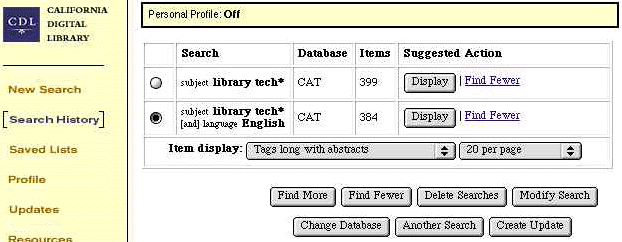
Display: Results
of a second Subject search

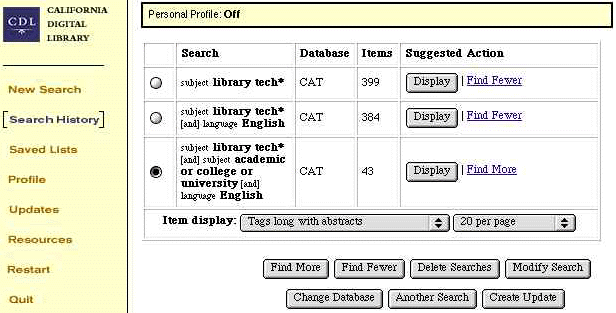
Display: Results
of a third Subject search