|
Web-based
MELVYL:
Retrieving Search Results (Records):
Print
|
Scope
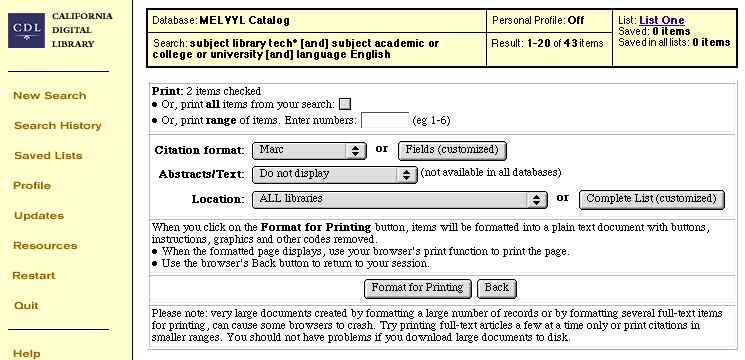
- This Web page enables you
to:
- Select which records that you
want to Print out
- Select what formats you want
to Print them in.
- Note: You can select
specific fields to print by clicking on the Fields
(customized) button.
- Limit the records Printed to
those from selected Libraries.
- When you have entered the
information, click on the Format for Printing button to
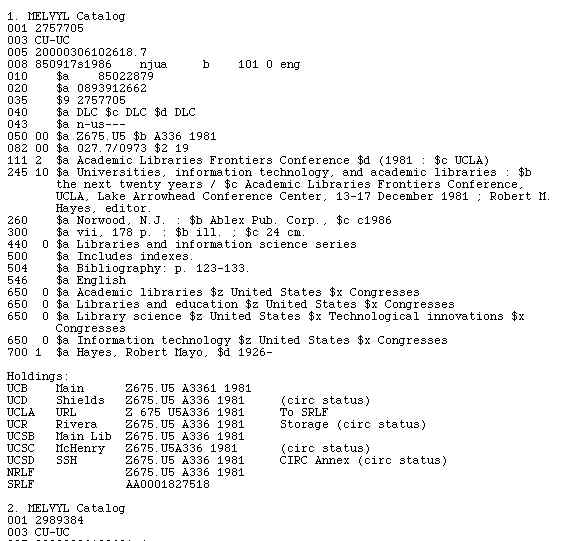
bring up a "clean" page containing only the text of the records
you decided to Print.
- When those records are displayed,
then use your browser's Print buttons or menu item to print
the records.
Display: Print
Configuration

Display: Clean,
Ready-to-Print (MARC-format example)